Access critical information instantly
View key details for applicants, companies and contacts at your fingertips. Whether you’re meeting a client, travelling between appointments, or working remotely, keep your most important recruitment data close at hand.
Everything you need for informed conversations
- View applicant profiles and CVs
- Check proposed and agreed terms with client companies
- Access your record groups
- Review comments and activity history
- Add comments on the go
Work your way
Switch seamlessly between light and dark themes to suit your environment. Quickly find any record with powerful filtering, or jump straight to recently opened items from your desktop.
Download the app
You can download the itris 9 Mobile from the iPhone App Store or the Google Play Store or by scanning the relevant QR code below from your mobile phone.
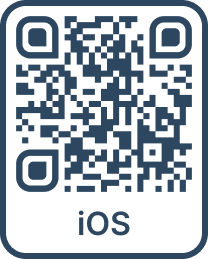
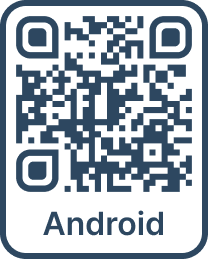
Once downloaded, launch the app on your mobile device and follow the on screen instructions to log in.
Disable the app
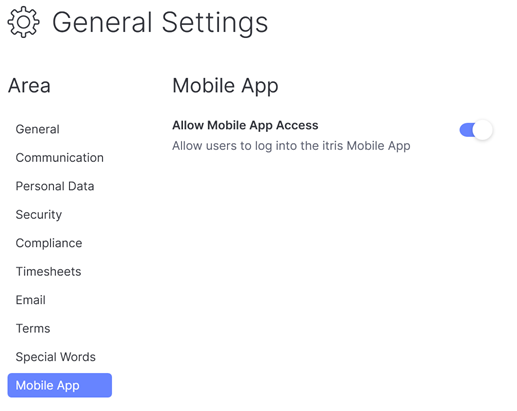
Access to the app is enabled by default but if you’d prefer, it can be disabled in the itris Management Utility under Settings > General > Mobile App.